

Connect ClickUp + Vipps MobilePay with no-code integration in a few clicks
Integrate ClickUp to Vipps MobilePay easy, secure and without limits using visual builder and powerful API connectors
Looking for ClickUp and Vipps MobilePay integration service?
Using Onlizer you can connect ClickUp with Vipps MobilePay, setup notifications about events or enable communication in chats, automate data sync, data analytics and BI tools. Learn how to design, build, and automate anything for your work by integrating services like ClickUp and Google Forms to create visual automated apps and workflows
How to connect ClickUp + Vipps MobilePay
Onlizer provides you with all required tools to setup connection and send info between ClickUp and Vipps MobilePay automatically. You can build and customize integrations fast using visual builder - no code required.
Connect
Securely connect ClickUp and Vipps MobilePay accounts
Integrate
Customize your ClickUp to Vipps MobilePay integration
Launch
Run automation ClickUp + Vipps MobilePay online in 1 click
Enjoy
Cost and time savings with endless no-code abilities
Onlizer Studio
Create customized individual integration of ClickUp to Vipps MobilePay with flexible, easy to use, no-code and low-code tools
Onlizer Studio integrates ClickUp and Vipps MobilePay with powerful visual API connectors and allows to build hi-customized individual automated solutions. With fast setup, secure services connection and cost-optimized runtime Onlizer Studio automations make your business more efficient and provide new level of business processes quality.
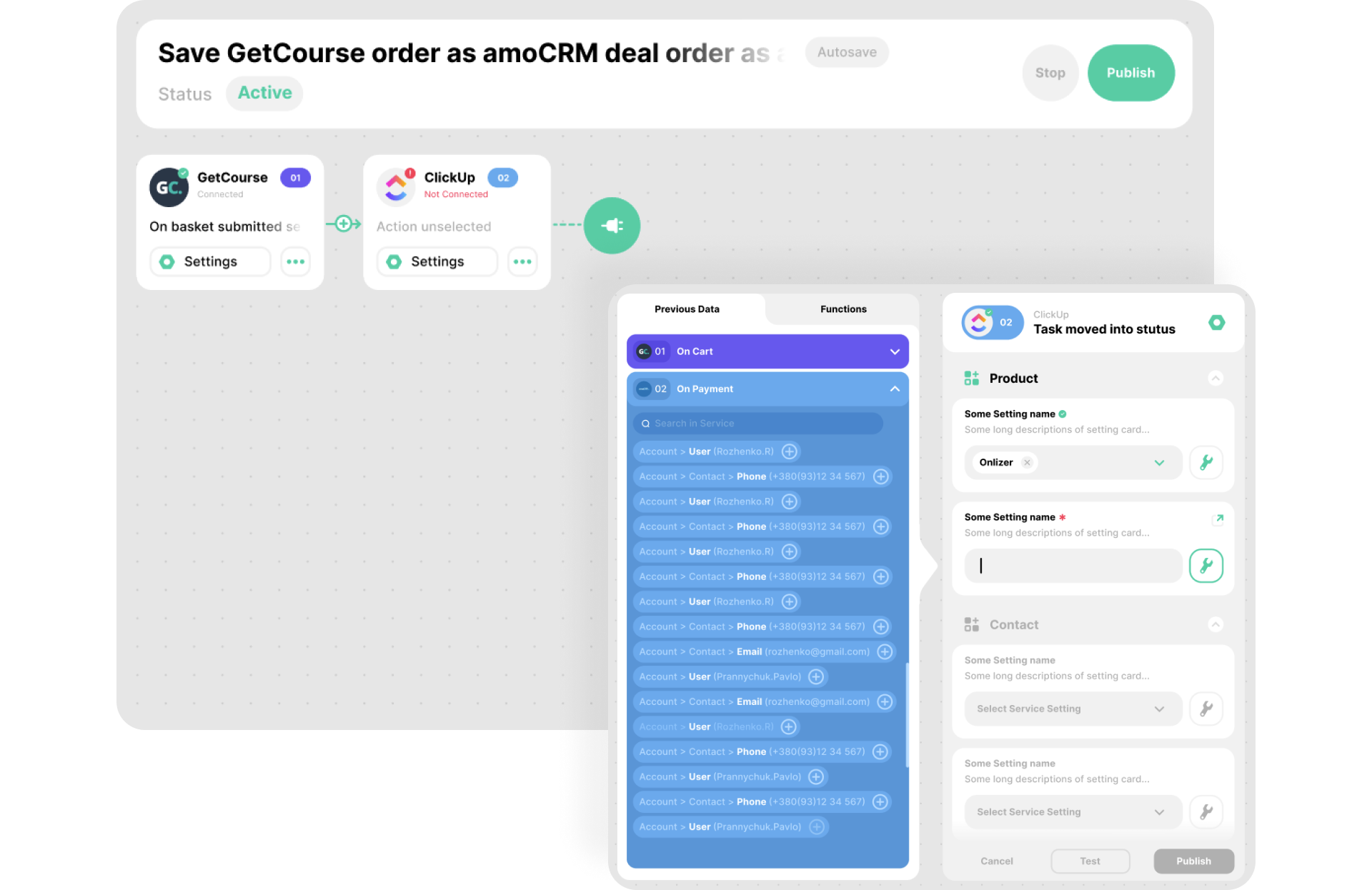


ClickUp + Vipps MobilePay integration ideas
Support or submit ClickUp and Vipps MobilePay integration idea and we'll invite you to use it early for free! Our development team will reach you personally with estimation for this request. Also you can vote for most relevant suggestions below.
Explore ClickUp and Vipps MobilePay integration features
You can easy create integration for ClickUp and Vipps MobilePay using no-code builder and customize it to fit your needs with great amount of events and actions availalbe in API connectors
Task created in ClickUp
Trigger activates when new task was created in ClickUp workspace
Try trigger TriggerTask upcoming in ClickUp
Trigger activates when task due time coming and you need to send reminder
Try trigger TriggerComment added to task in ClickUp
Trigger activates when comment was added to task
Try trigger TriggerTask moved into status in ClickUp
Trigger activates when task was moved to specific status
Try trigger TriggerPayment callback in Vipps MobilePay
Triggers when payment created, completed or status changed
Try trigger TriggerCreate payment link in Vipps MobilePay
Allows to create PayPal payment link via HTTP endpoint sending settings in JSON format
Try trigger TriggerChange task status in ClickUp
Changes task status. Task status can be changed only inside original list. If target status list differs from task list no action will performed
Try action ActionFAQ
Let's Try! Get Free Messages and Tasks to test Onlizer features
Start Your 14-Days Free Trial
We can help you to create your dream processes for better business revenue.